The host passes sign-in, store & language.
Retail Web Experiences · Architecture overview
Retail Launchpad v2 (RLPv2) is a thin, stable frame that handles sign-in, store context, language and navigation, so app teams can ship independently inside it. This page walks through how it works and why it was built this way.
01 · The mental model
Everything an associate sees is either a full app they open from the sidebar or a widget card on Home. The host is the frame around both. It is the only piece that knows who you are, which store you are in and what language you speak.
02 · Decision
Iframes are the oldest and most battle-tested way to compose web apps. We picked them on purpose, because they fit the problem: many teams, many stacks, and an install base that was already running on RLP v1.
Used for full-screen apps in the sidebar.
RLP v1 embedded apps in iframes. Keeping the same model meant v2 could host every v1 app on day one, and app teams didn't have to rewrite anything to move.
An iframe only needs a URL. Inventory, Nike Cash, SOR, Electronic Journal and Store Hours are built and released by different teams on different schedules.
The browser keeps each iframe's code and styles separate. A crash or a bad release in one app can't break the host or any other app.
Apps can't reach into the host. They have to ask for what they need, and the host only answers apps on its approved list.
Teams ship to their own URL whenever they're ready. The host never needs a release for an app change.
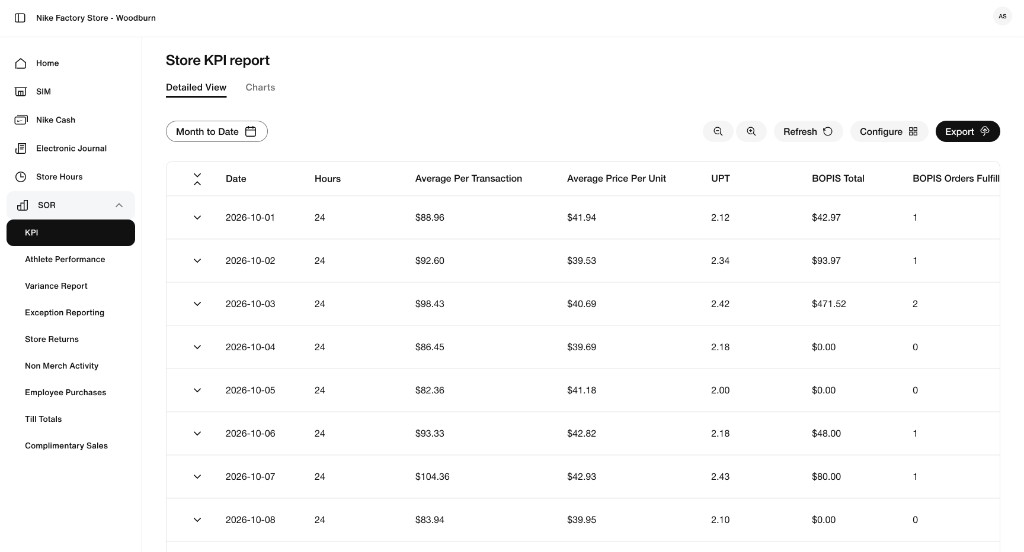
Store Operations Reporting (SOR) is built, hosted and released entirely by its own team, yet associates can't tell where the host ends and SOR begins. Two things make that work:
03 · How it works
The host and the app exchange short, named messages through the browser's built-in, secure messaging channel. It's a small, fixed vocabulary, about eight messages, and it hasn't changed since v1.
requestAccessTokensendStore · getLanguagesetTitle · addressbar, so the browser tab, links and the back button keep workingsign-in handoffs from host to app
the host answers almost instantly once the app asks
out of 36,322 (0.01%), each one logged and alertable
04 · Backwards compatibility
RLP v2 speaks exactly the same message vocabulary as RLP v1 (rbh-retail-launchpad). To an embedded app, the two hosts look the same. That's what let us move stores from v1 to v2 without asking app teams to change code.
requestAccessTokensendStoregetLanguagesetTitleaddressbargetUrlcloselogoutrequestAccessTokensendStoregetLanguage + legacy formatsetTitleaddressbargetUrlcloselogoutStores active per day went from 14 to 546 in one week after the Oct 20 rollout, and every v1 app came along unchanged. v2 also adds things v1 didn't have: native iOS sign-in, proactive token renewal, Home widgets and full telemetry.
05 · Widgets
Widgets are Home cards built by app teams and loaded directly into the page, not in an iframe, so they feel native. The host doesn't hold any business rules. It loads each widget and then follows a simple contract: the widget says "show me" or "hide me."
The host reads its widget list and loads each widget's code from the owning team's own deployment.
The widget checks its own data. Is there a variance today? Is the store in cash mode?
The widget tells the host "ready" (show this card) or "hide." Home only shows what needs attention.
If an associate closes a card, the host remembers, until the widget has something new.
If a widget never reports back within 5 seconds, the host flags it in New Relic. If one fails to load, it just doesn't appear.
No business rules live in the frame, so changing a rule ("alert when variance > X") never needs a host release.
The team that knows the data decides what's worth surfacing, and can change it on its own schedule.
Associates only see cards that need action, which keeps attention on real work.
A widget that can't load or has nothing to say simply doesn't render. There are no broken tiles.
The Variance widget loaded 13,457 times but only showed itself 1,162 times (9%), because it only appears when there's a variance to act on. Widget failures over the same period: 8 out of 63,464 loads.
06 · Decision
For the MVP, each widget checks its own API on a timer ("polling"). An event-driven model, where the API pushes changes the moment they happen, is the natural next step as we add widgets. We chose to sequence it, not skip it.
Because widgets already own the show/hide decision, moving to events only changes how a widget hears about new data. The host contract ("show me" / "hide me") stays the same, so we can migrate one widget at a time.
07 · Robust by design
The architecture contains failures by default, centralizes security, and gives us switches to react quickly without a deploy.
If an app is down, only its frame is affected. Navigation, sign-in and every other app keep working. Broken widgets simply don't render.
The host handles sign-in on web (Nike OAuth) and inside the iOS app (native bridge). Apps receive a token and never handle credentials.
The host only answers messages from apps on its approved list. Every rejected attempt is logged as a security event we can alert on.
Every app can be turned off for a store through store configuration, with no deploy. That's useful for pilots, incidents and phased rollouts.
Each app declares a minimum role level, so associates only see the tools their role allows.
45+ named events cover sign-in, navigation, app loads, messages and widgets in New Relic, with a shared naming standard that every team uses.
associates on store computers and browsers
associates using the same host inside the native iOS app
One codebase serves both. Nearly half of associates reach RLP v2 from the iOS app, with sign-in through the native bridge and no separate mobile build.
08 · Flexibility
Adding an app or widget is a registration, not a project. The host doesn't change shape. It just learns about one more thing.
Any stack, hosted at the team's own URL. A v1 app already qualifies as-is.
Ask the host for sign-in, store and language. Apps built for v1 already do this.
One entry: URL per environment, minimum role and kill switch. It then shows up in the sidebar.
The team exposes a small component from its existing app build, so there's no new repo or pipeline.
Call the host's two-method contract when the data says the card is worth showing.
One entry: where to load it from, plus optional flags (web-only, production-ready). Telemetry comes for free.
09 · Proof
These are live production numbers from New Relic. Click through the tabs, and hover over the charts for detail.
10 · Build on it vs. start over
A new platform would need to rebuild all of this before it delivered anything new, and then migrate the same 600+ stores a second time.
11 · Roadmap
Every item below fits inside the current architecture. Each one is additive and can roll out one app or one widget at a time.
Static files on S3, served globally through CloudFront.
develop → test, main → production. Every PR is built and tested.
Apps and widgets deploy on their own schedules from their own repos.
Significant changes are proposed, designed and reviewed as written specs before code.
RLPv2 is a small, stable frame with clear contracts. It already carries 600+ stores on web and iOS, it brought every v1 app along unchanged, and it has a clear path to event-driven widgets without starting over. The fastest way to deliver new value to stores is to build on it.